
1
Scene Title
A one-line label so you can navigate a 20-scene script without reading every prompt.
Example: Rain-lit chorus close-up
AI-Powered Tool
Upload a song, confirm timed lyrics, and generate editable image and video prompts for every scene.
Drag & drop your audio file or click to browse
MP3, WAV, M4A · Max 50MB
Lyrics Source
MV Direction
Publish Format
Free account required to generate scripts
Cost: 2 credits
A timed blueprint that turns a finished song into a music video script — ready to shoot, animate, or feed to AI video tools.
A music video script is a timed blueprint that maps every second of your song to a specific visual moment. Unlike a storyboard (static frames) or a shot list (camera directions only), a proper script ties scene descriptions, camera language, character actions, and negative prompts to the exact timecode where they appear. The result works as a standalone document: hand it to an animator, an AI video model, or a film crew, and they all build the same video.
Writing this document by hand used to mean scrubbing through the song in a DAW, typing scene notes in a spreadsheet, and re-syncing every time the lyrics shifted. An AI music video script generator flips that workflow: the tool listens to the audio, reads the lyrics with word-level timestamps, and produces the full timed script in under a minute. The output is structured JSON you can edit inline, export, or pipe directly into image and video generation tools.
This music video script generator is not a replacement for a director's creative vision. If you already have a finished music video and only need editing, color grading, or audio mixing, you don't need a script. It's most useful when you have a completed song and no visuals yet, when you want to test multiple visual directions before committing to a production budget, or when you're running an AI-first workflow and need prompts for models like Veo, Runway, or Seedance.
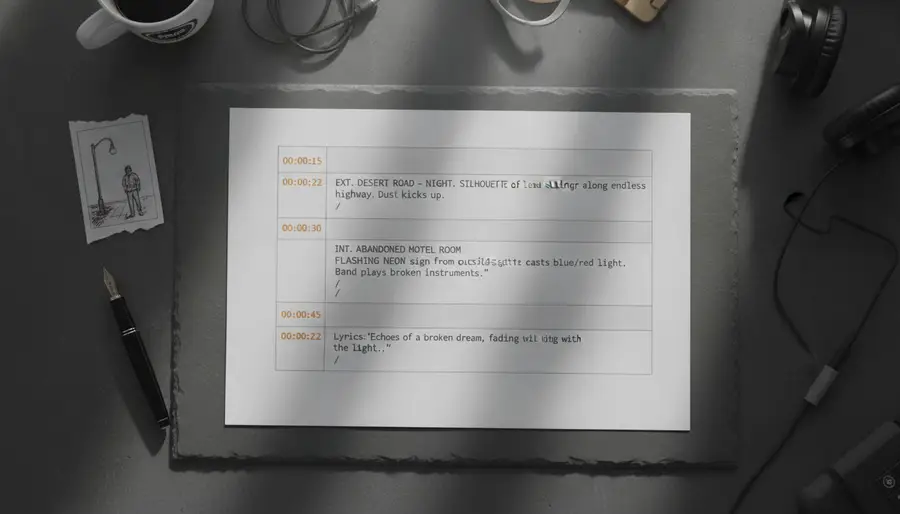
Every scene carries six fields. Each one maps to a specific job in the production pipeline.
When the music video script generator finishes, you don't get a wall of text. You get a structured scene list. Here's what each field does and what to look for when you edit.
A one-line label so you can navigate a 20-scene script without reading every prompt.
Example: Rain-lit chorus close-up
Exact start and end stamps synced to the audio waveform. Drives every cut and transition.
Example: 0:42 – 0:50
What's happening emotionally and narratively in this scene. Keeps the arc intact across scenes.
Example: The protagonist stops running and looks back — first moment of stillness.
Describes the static frame: subject, lighting, composition, palette. Feeds directly into image models like Nano Banana or Midjourney.
Example: Close-up, the young woman in a wet leather jacket, neon sign reflecting in puddles, cinematic 9:16.
Describes the motion: camera move, subject action, environmental change. Feeds Veo, Runway, Seedance, and Kling.
Example: Camera slowly tilts up as she lifts her head; rain intensifies; one step forward.
Lists what to exclude: extra fingers, text overlays, watermarks, copyrighted characters. Critical for AI generation consistency.
Example: nsfw, text, watermark, logo, extra limbs, blurry, celebrity likeness
Four steps from audio file to editable, exportable script.
Step 1
Drag in an audio file. The tool detects duration automatically and prepares the timeline for scene breakdown.
MP3, WAV, or M4A — up to 50MB and 10 minutes long.
Tip: If your song is longer than 10 minutes, trim it in your DAW first. Long audio produces noisy scene counts.
Step 2
Pick one of three paths to get word-level timestamps. The script structure depends on this alignment.
AI Recognize uses Whisper for speech-to-text. Paste & Align takes plain lyrics and syncs them. Import accepts LRC or SRT.
Tip: For non-English vocals or heavy reverb, paste plain lyrics and let AI align. Recognition quality drops on noisy mixes.
Step 3
Select one of three script styles and an aspect ratio. This locks the visual language for the entire script.
Cinematic Story for 3D animation with character continuity, Realistic MV for photorealistic footage, Abstract Visual for color-and-motion-driven scenes.
Tip: Match aspect ratio to where the video will live. 9:16 for TikTok and Reels, 16:9 for YouTube, 1:1 only for cross-posted social.
Step 4
The music video script generator returns the full script in about 60 seconds. Every field is editable. Export as JSON for production pipelines, or copy as Markdown for sharing.
Output is a structured JSON with the six fields per scene, a visual style summary, and character candidates (Cinematic Story mode).
Tip: If a scene's image prompt feels off, rewrite it in plain English. The downstream image and video models read natural language fine.
Each style locks a different set of defaults — don't think of them as templates, think of them as production pipelines.
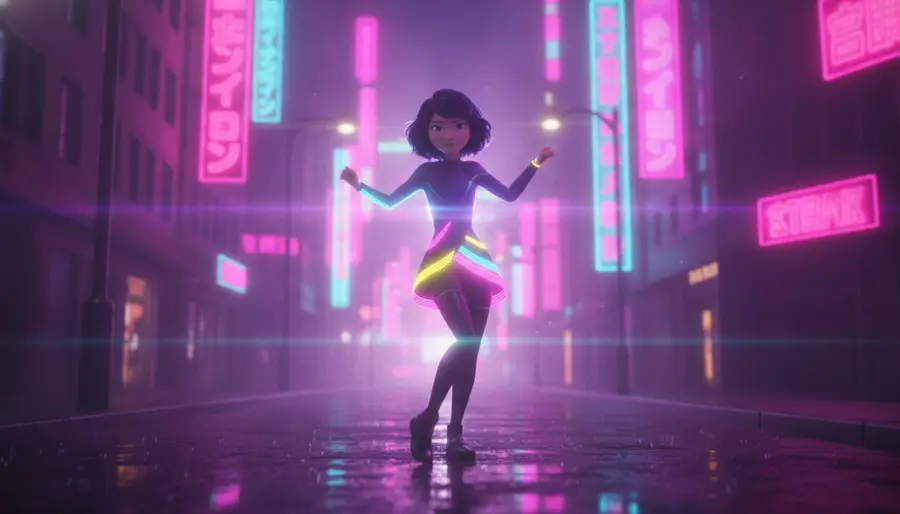
Best for: story-driven songs, character arcs, concept albums
3D animation with stylized characters and environments
The generator produces character candidates with visual descriptions, then writes scene-by-scene story beats with continuity anchors. Those anchors keep the same character recognizable across every shot — the most common failure mode of AI video. Use this when your lyrics tell a story with a clear protagonist.
Output: Character candidates, per-scene story beats, continuity anchors
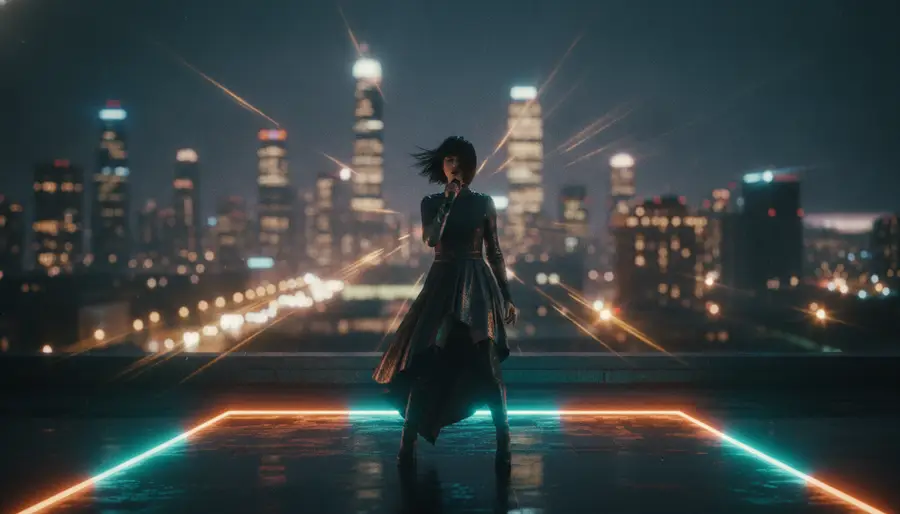
Best for: artist promo videos, performance footage, cinematic mood pieces
Photorealistic frames with natural lighting and real-world locations
Prompts are written specifically for photorealistic video models — natural lighting language, real-world location cues, authentic camera movements. No stylization language, no cartoon markers. Use this when you want the final clips to look like they were shot on set.
Output: Real-world locations, natural lighting, authentic camera moves
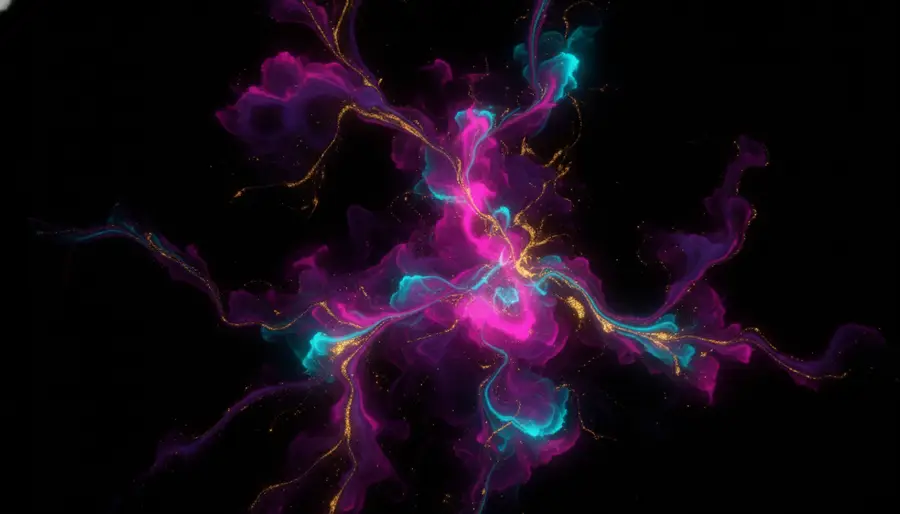
Best for: electronic music, ambient tracks, mood-first visuals
Surreal compositions, color-driven scenes, experimental motion
Character and narrative language is stripped out. Instead, the generator prioritizes palette, motion keywords, and atmospheric descriptions. This is the right choice when the track's energy matters more than any storyline, or when you plan to layer lyrics on top of purely visual sequences.
Output: Color palettes, motion keywords, atmospheric descriptions
Below is example output from our AI music video script generator for a real 4-minute song
Visual Style
Cinematic 3D animation, vibrant color palette, dynamic lighting, playful textures, and stylized character design.
17 segments generated for a 4:05 song
Image Prompt
Close-up shot: The Young Man with a circus-inspired outfit looks frustrated as he faces a glowing game board with sharp edges. Dark, moody atmosphere. Bright focused lighting on the game board. 16:9.
Video Prompt
Camera slowly pans down as the Young Man clenches his fists and steps back from the game board.
Image Prompt
Mid-shot: The Young Man is stepping onto a carnival stage, balancing a toy on his hand, while the Young Woman gives a thumbs-up from the side, illuminating the scene with her bright smile. Stage lights shining down vibrantly. 16:9.
Video Prompt
Camera tracks from behind as the Young Man takes a deep breath and lifts the toy high, while the Young Woman cheers him on with a radiant expression.
Image Prompt
Wide shot: The Young Man stands tall against a backdrop of an ecstatic crowd, all applauding while he displays his creation with pride, the Young Woman beside him cheering. Rainbow light effects illuminating the scene. 16:9.
Video Prompt
Camera raises dramatically as their triumph fills the space with energy, focusing on their joyful expressions.
Your actual output from the Music Video Script Generator will include all segments with timing, lyrics mapping, and editable prompts.
Four concrete workflows where a timed script unlocks the next step.
You wrote the song, you know what it should feel like, but you don't have a director or a storyboard artist. Upload the track, pick a visual style, and walk away with a complete scene list you can hand to a freelance animator, shoot yourself with a phone and a friend, or feed into AI video tools over a weekend.
You already run Veo, Runway, Kling, or Seedance — but you're writing prompts one at a time and losing visual consistency across scenes. This tool hands you a full set of scene-locked, model-ready prompts with negative prompts included, so every clip looks like it belongs to the same video.
Use it as a pre-production tool. Generate a first draft of the shot list in under a minute, then refine prompts, reorder scenes, and lock the visual style before you ever brief a DP or an animator. The JSON export drops cleanly into Notion, Airtable, or your production spreadsheet.
Branded music content for TikTok, Reels, and Shorts usually dies in the idea phase because storyboards take too long. This tool produces a workable visual plan for a 15-to-30-second branded clip in the time it takes to write the brief, formatted for the vertical aspect ratios that actually perform on social.
What's actually different about an AI music video script generator, beyond marketing copy.
| Capability | Manual Writing | ChatGPT | This Tool |
|---|---|---|---|
| Time to first draft | 2–4 hours per song | ~10 minutes | ~60 seconds |
| Audio-synced timing | Mark timecodes manually in a DAW | No audio awareness | Reads waveform, auto-aligns scenes |
| Lyrics alignment | Type timestamps by hand | Only if you paste timestamps | Whisper word-level alignment |
| Prompt format | Free text, inconsistent | Free text, generic style | Structured for AI video models |
| Visual style consistency | Depends on the writer | Drifts across scenes | Locked per script |
| Negative prompts | Rarely included | Only if explicitly asked | Generated per scene |
| Export formats | Word, Excel, PDF | Plain text or Markdown | JSON + Markdown, production-ready |
| Iteration cost | Hours per rewrite | One conversation | 2 credits per generation |
Practical answers before you use the music video script generator.
A visual style summary, character candidates (Cinematic Story mode only), and a scene list. Each scene has a title, time range synced to your audio, a story beat, an image prompt, a video prompt, and a negative prompt. Every field except the time range and lyric mapping is editable.
Editable: scene titles, story beats, image prompts, video prompts, negative prompts, and the visual style summary. Read-only: time ranges and lyric mappings, because they're locked to the audio waveform. If the timing feels wrong, regenerate with corrected lyrics instead of forcing edits.
MP3, WAV, and M4A up to 50MB and 10 minutes long. Duration is detected automatically and used to calculate scene count. Longer songs produce more scenes — typically one 8–10 second scene for realistic and cartoon modes respectively.
For clean English vocals, expect 90%+ word accuracy with word-level timestamps. Accuracy drops on noisy mixes, heavy reverb, non-English languages, and screamed or growled vocals. For those cases, paste plain lyrics and let the AI align them to the audio instead of relying on recognition.
Most scripts finish in 45–90 seconds depending on song length and current load. The job page shows live status. If a job runs more than 3 minutes, refresh — the result is usually already saved.
2 credits per script generation, regardless of audio length. Regenerating an existing script also costs 2 credits. Edits, exports, and copies are free.
Yes. The image and video prompts are written to be model-agnostic and work with Veo, Runway, Kling, Seedance, Midjourney, Stable Diffusion, and Sora. The JSON export is structured so you can script a pipeline that feeds prompts into your tool of choice.
Edit any field inline and save. If the entire script feels off, regenerate with a different visual style or custom direction — the prompt box accepts natural language like 'late 90s Hong Kong neon street, lonely romantic mood'. You're never locked into the first draft.
Pair the script generator with these tools to finish the full music video pipeline.
Generate perfectly synchronized LRC lyrics files from any audio. Word-level timestamps for karaoke and subtitle workflows.
Turn your completed script into actual AI-generated images and videos with one click. Full production pipeline.
Burn timed lyrics subtitles directly onto your finished music video. Supports multiple styles and formats.
Upload your song and get a complete, editable, exportable script in under a minute.